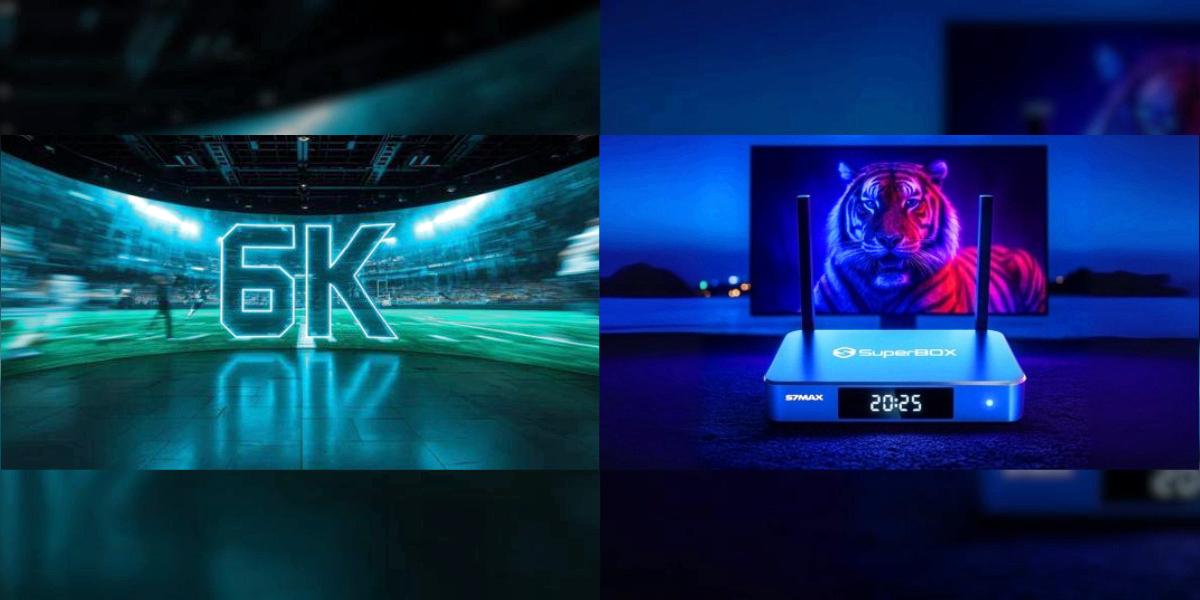

I've been using the SuperBox S7 Max as my main living room streaming box for 30 days now. This isn't a sponsored review, and I didn't get the unit for free — I bought it with my own money after upgrading from an S6 I'd had for almost two years.
I'm not going to throw a bunch of benchmark numbers at you or talk about processor architectures. If you want that, there are other reviews that cover it. What I will tell you is what it's actually like to live with this thing every day — the good, the annoying, and whether it's worth your money.
If you're still deciding between the three S7 models, our S7 Pro vs Max comparison breaks down the differences simply. And if you're coming from an older model, we also have a guide on whether upgrading from S6 to S7 is worth it.
What I Liked
The 7-Day Rewind Feature Is a Game Changer
I'll start with the feature that sold me on upgrading, and it's the one I use every single day: the 7-day playback buffer.
On the old S6, you could rewind about 8 hours. That sounds like a lot until you miss something on a Monday night and realize Tuesday morning it's already gone. On the S7 Max, you've got a full week.
I can't tell you how many times this has saved me. I work odd hours, so I'm rarely watching things when they first air. With the S7, I don't plan anything. I don't set recordings. I just sit down when I have time, scroll back, and watch what I want. It's the kind of feature you don't think about until you have it, and then you can't imagine going back.
Sports fans, take note: being able to go back and rewatch a whole game from 3 days ago is incredible. I've done this multiple times already.
No More Buffering During Prime Time
I have 300Mbps cable internet, and my old S6 would start buffering pretty reliably around 8 PM when everyone in the neighborhood was online. It wasn't constant, but it happened often enough to be annoying — right in the middle of a tense scene, it would spin for 10 seconds.
I haven't had that happen once on the S7 Max in 30 days. I'm using a wired Ethernet connection, and the difference is night and day. Even during the busiest streaming hours, it just plays. No spinning wheel, no drop in quality, no waiting.
If you've dealt with evening buffering, this alone is a reason to consider upgrading.
The Remote Actually Feels Premium
I wasn't expecting to care about the remote this much, but it's noticeably better.
Voice commands work almost instantly now. On the S6, I'd press the button, talk, and wait a couple seconds for anything to happen. On the S7, it responds before I've even finished talking. That sounds like a small thing, but when you use it multiple times a day, it adds up.
The buttons have a nice click to them, it feels solid in the hand, and it connects via Bluetooth so you don't have to point it directly at the box. I can change the volume from the kitchen without line of sight, which is silly but surprisingly convenient.
It Runs Cool and Quiet
The metal case doesn't just look nicer than plastic — it dissipates heat way better. The S6 would get noticeably warm to the touch after a few hours of use. The S7 Max stays barely warm, even after being on all day.
No fan noise (there's no fan), no weird hot spots, and I haven't had it slow down or freeze once in a month. That's a big deal for a device that stays on 24/7.
What I Didn't Like
No product is perfect, and there are a few things that bug me:
The Blue Color Is... Polarizing
The S7 Max comes in "Classic Blue." I thought it looked nice in pictures, but in person it's a pretty bright, noticeable blue. It's not ugly, but if your TV setup is all black and silver like mine, it stands out a bit.
If that bothers you, the S7 Pro is space gray and looks more understated. Functionally they're identical, so this is purely cosmetic — but it's worth mentioning.
32GB Would Have Been Too Little
I almost bought the cheaper S7 Pro to save $40, and I'm really glad I didn't. After a month of installing apps and normal use, I'm already using about 20GB of the 64GB. The system itself takes a chunk, the buffer takes another chunk, and apps add up faster than you think.
If you only use 2-3 apps, the Pro is fine. But if you're the kind of person who tries new things or shares the box with family, spring for the Max. You can't upgrade storage later, and running out of space is the #1 reason these boxes start feeling slow after a year.
No Backlit Remote
This is a minor nitpick, but for a device people use in dark rooms, it's weird that the remote doesn't light up. The top-tier S7 Ultra has a backlit remote, but the Max doesn't.
I've gotten used to the button layout now, so it doesn't bother me much anymore. But the first week I was fumbling around in the dark more than once. If you watch a lot of TV with the lights off, maybe look at the Ultra instead.
Setup Takes Longer Than It Should
Out of the box, it took me about 40 minutes to get everything set up the way I like it — signing into apps, adjusting picture settings, pairing the remote, connecting to the network. It's not hard, but it's not the 5-minute "plug and play" experience some people make it sound like.
Set aside an hour when you first get it, and you'll be fine.
Day-to-Day Use: What It's Actually Like
After the initial setup, this thing just disappears into your life. That sounds boring, but it's the highest compliment I can give a streaming device.
I turn on the TV, it's on the home screen instantly. I pick what I want to watch, it plays immediately. The menus are snappy, apps open quickly, and I never think about the box itself — I just watch what I want to watch. That's the whole point, right?
My partner isn't tech-savvy at all, and she figured it out without me explaining anything. The interface is clean and straightforward, the remote is simple, and there's nothing confusing about it. We've had zero "how do I do this?" moments in a month.
It works reliably. It doesn't crash. It doesn't overheat. It doesn't make me fight with settings every time I turn it on. For a device that sits behind your TV and you interact with every day, that's worth a lot.
Who Should Buy This (and Who Shouldn't)
Get the S7 Max if:
✅ You're upgrading from an S6 or older model
✅ You want the 7-day rewind feature
✅ You have fast internet and hate buffering
✅ Multiple people use the same TV
✅ You plan to keep it for 3+ years
✅ The $40 for extra storage is worth not having to think about it
Skip it and get something else if:
❌ You only watch basic HD and have slow internet
❌ You never use the rewind/pause feature
❌ You're on a super tight budget (get the S7 Pro)
❌ You already have an S7 Pro or Ultra
❌ You absolutely need a backlit remote (get the Ultra)
Frequently Asked Questions
Is it faster than the S6?
Day-to-day navigation feels about the same speed, honestly. The big differences are the rewind feature, the wired network speed, and the better remote. It's not a night-and-day speed difference in normal use.
Can I use my old S6 remote?
Yes, they work fine. I keep my old S6 remote as a backup in the couch cushions.
Does it come with an HDMI cable?
Yes, there's an HDMI cable in the box, plus the power adapter and remote. You don't need to buy anything extra.
How long does shipping take in the US?
Mine shipped from Georgia and arrived in 3 business days via UPS. Most orders to the 48 contiguous states take 3-5 days.
Can I return it if I don't like it?
Authorized US sellers offer a 30-day return window. I'd recommend buying from an official dealer so you don't end up with a used or grey market unit.
Final Verdict
After 30 days, I'm happy with the S7 Max. It's not a revolution, but it's a solid, reliable streaming box that does what it's supposed to do without drama. The 7-day rewind feature alone makes it worth the upgrade for me, and the lack of buffering during prime time is a huge quality-of-life improvement.
Is it perfect? No. I wish the remote was backlit, I wish the blue color was more subtle, and I wish setup was faster. But those are minor complaints. For the price, this is the best android tv box I've used, and I don't see myself replacing it anytime soon.
If you're on the fence, go for the Max over the Pro. The extra storage will save you frustration down the line, and $40 isn't that much over the life of a device you use every day for 3+ years.
If you're still comparing models, our full SuperBox model comparison breaks down every option simply. And if you're having buffering or WiFi issues, check out our 5 quick fixes for common SuperBox problems.